Name your folios. Write your metadata. On to the next bit.

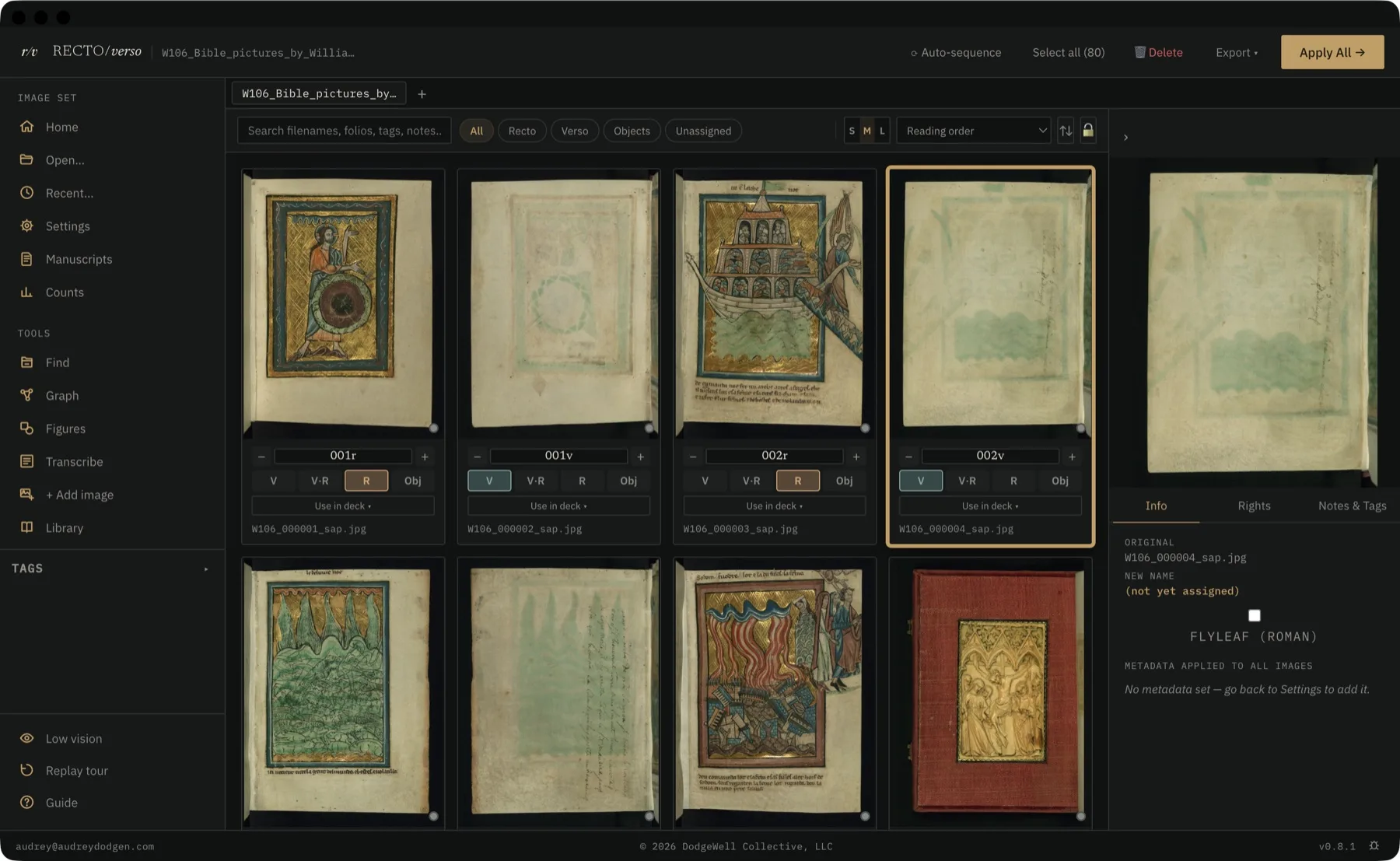
After the archive comes the cataloging: hundreds of photographs still named by the camera, institutional metadata and reproduction rights unrecorded. Recto/Verso renames them to your foliation and writes the shelfmark, photographer, and rights into every file — all in one pass, on your own machine.

v0.7.0 · macOS · Windows

Recto/Verso cataloging a 15th-century book of hours, shown on a MacBook

Every historian who photographs manuscripts knows what comes next: three hundred files still named IMG_4471.CR2, the shelfmark and reproduction terms written down nowhere but a notebook. Recto/Verso renames the entire folder to your foliation and embeds the catalog in each file — so MS_Bodley264_012r.jpg already carries its shelfmark, its photographer, and who cleared it for print.

Naming

Folio renaming

Rename images to your naming convention (MS_Bodley264_001_r.jpg) with a configurable prefix and separator. Switch to roman-numeral flyleaves or printed-book signatures (A1r, B1r) when arabic numbering doesn't match the manuscript. Auto-sequence assigns recto/verso alternating from any starting folio in a single click.

Metadata

Embedded metadata

Write institution, shelfmark, photographer, rights, keywords, and description directly into the image files. The information travels with your photographs: open them in any app, share them with colleagues, submit them to a publisher, and it's all there.

Rights

Rights tracking

Record who granted reproduction rights, the reference number, date granted and expiry, and which arenas are cleared: academic print, academic online, commercial, exhibition, broadcast. Filter your grid by rights status at a glance.

Workflow

The conventions, already built in

Verso–recto spreads (010v–011r), roman-numeral flyleaves (iv r), and quire signatures (A1r, B1r) sit alongside plain arabic foliation. Shift-click a range, assign a whole quire's sides in one action, filter the grid down to just what's still unassigned.

Legibility

Read what's faded

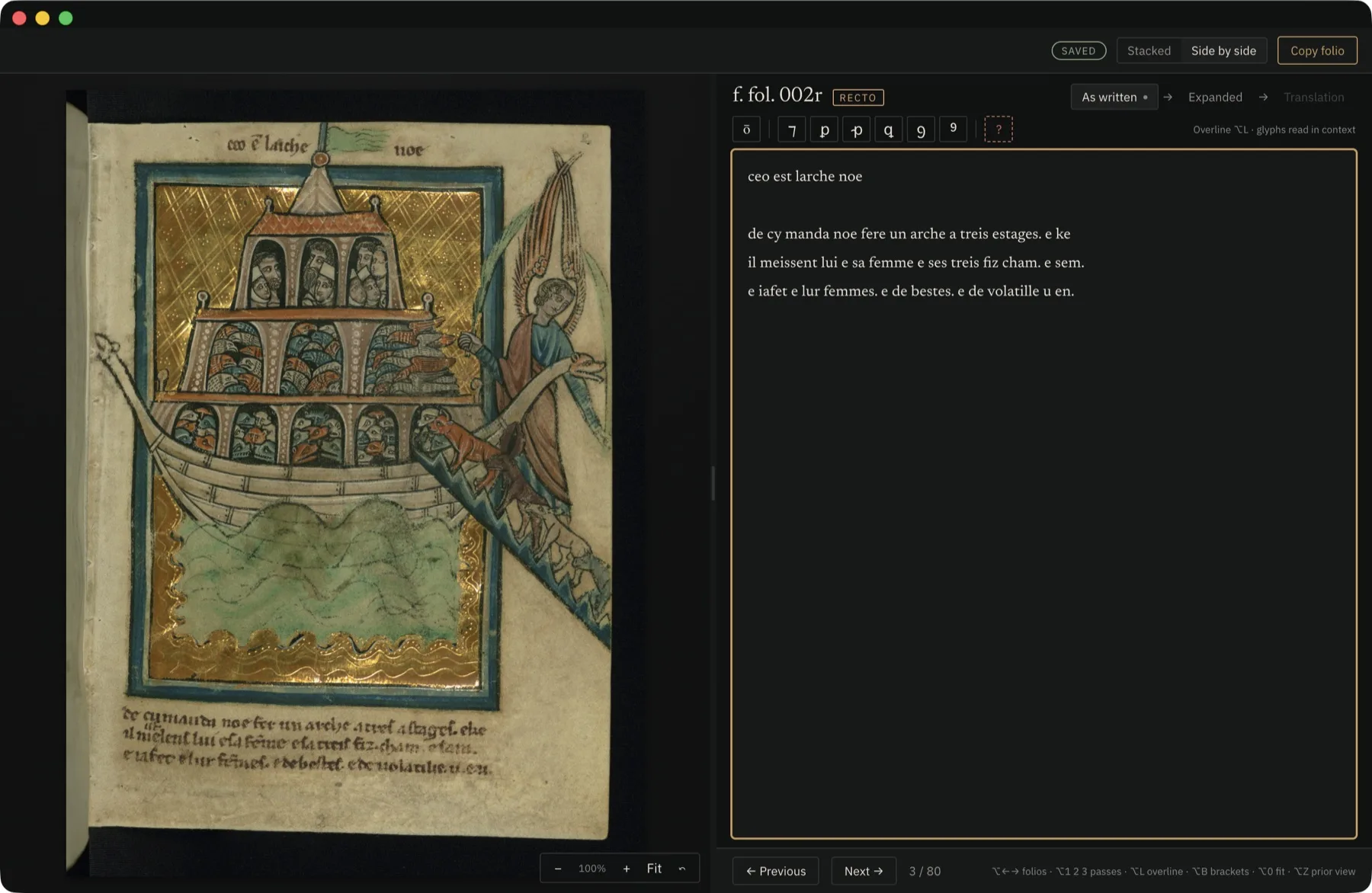
Levels, gamma, decorrelation stretch, and CLAHE — the tools for pulling faded ink, scraped-off text, and underdrawing out of a photograph, alongside brightness, contrast, and channel isolation. The enhanced version saves as a separate copy the folio keeps; the original file is never touched.

Once the folios are named and described, the same catalog does more than store them.

Regions

Catalog a detail, not just the page

Draw a box around an initial, a marginal hand, or a damaged patch, and catalog that — with its own label, tags, and note. Export your regions as CSV, plain JSON, or W3C Web Annotation (the format IIIF viewers read).

Figures

Diagrams drawn from your catalog

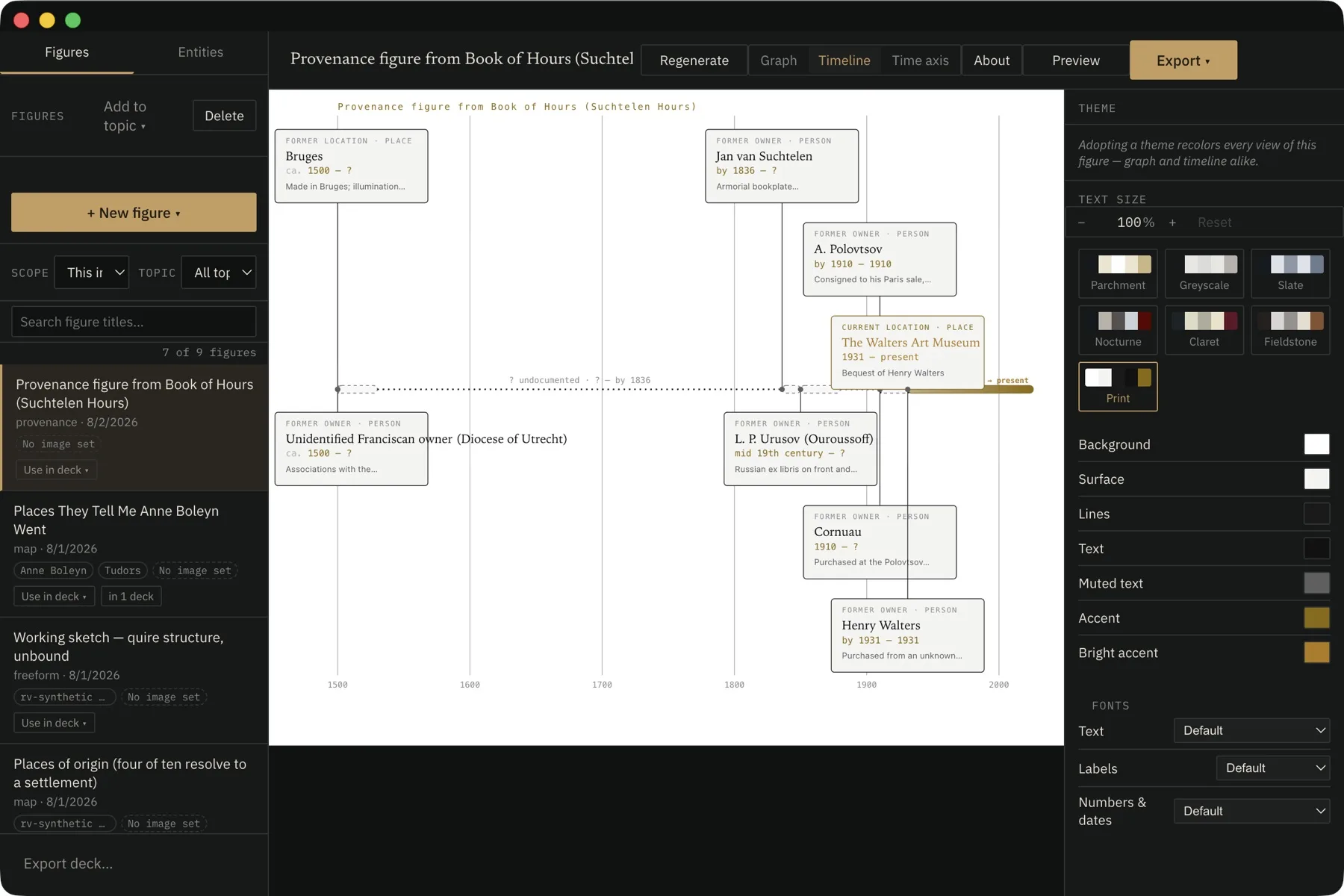
Turn the relationships you've recorded into a figure: a stemma of textual descent, a provenance timeline, an attribution cluster grouping one scribe's hands, a family tree. Export to PNG for the lecture slide or the article plate.

Maps

Put it on the map

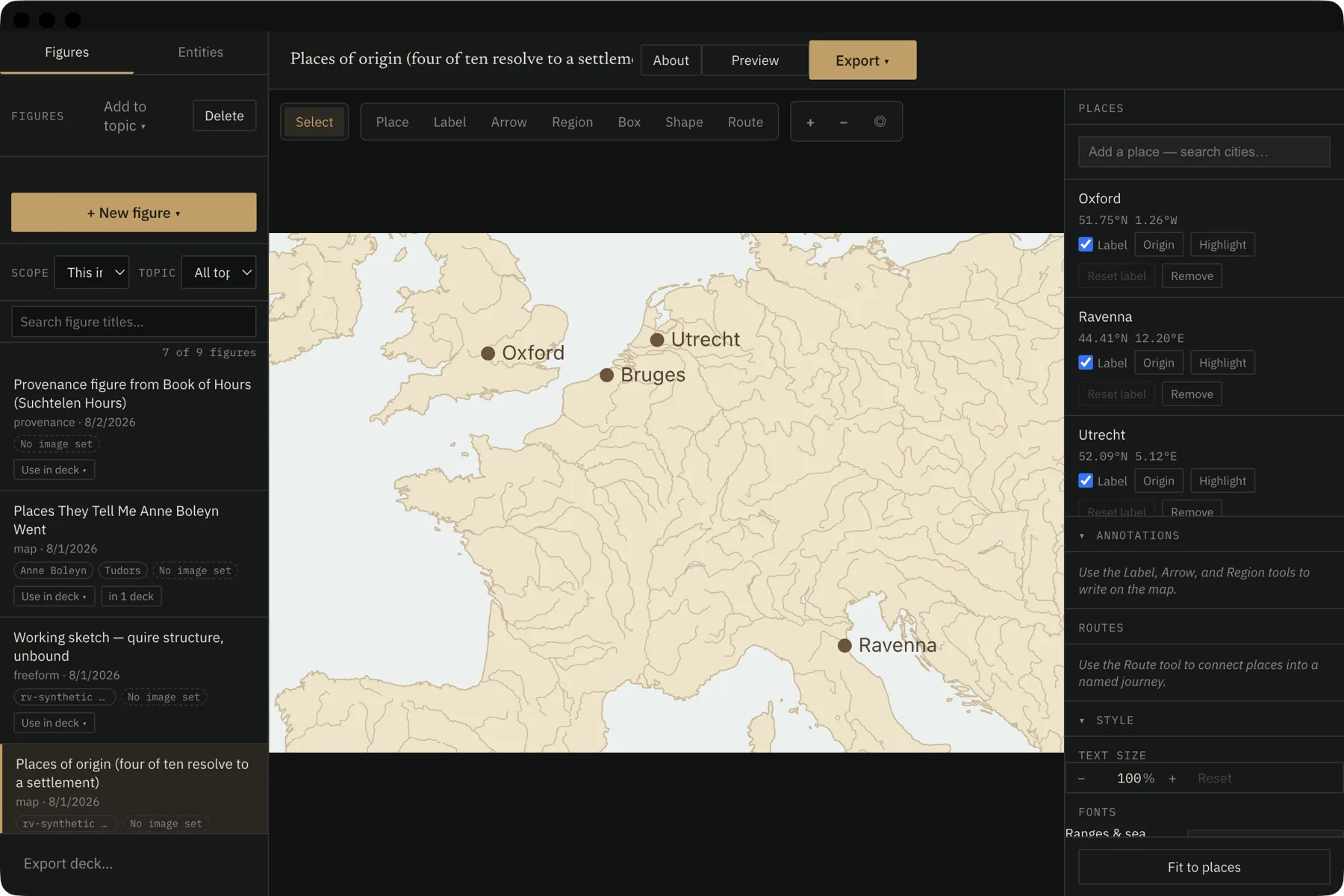
Place folios and sites on a real map — 170,000 towns and cities searchable by name or historical exonym (Bruges finds Brugge). Add pins, labels, arrows, and regions. Fully offline: no tile server, no account, nothing uploaded.

A reference library, built in

While you're cataloging a folio, link the source that discusses it, with a page locator: Smith 2020, pp. 44–46. Then click any folio to see every source that cites it — and any source to see every folio it discusses, with the page. Pull in your existing Zotero library or add references directly; citations format in Chicago automatically. It ships with every copy, free.

01

Open your folder

Point Recto/Verso at the folder containing your session's images. Set your project name and default metadata fields once; they save with the project.

02

Assign folios

Auto-sequence the whole session in one click, or click individual images to assign folio numbers and sides manually. Select multiple images to batch-assign V or R.

03

Write and rename

Recto/Verso writes the metadata into the files themselves and renames them to your scheme — MS_Bodley264_012r.jpg. Originals are never overwritten, and the renamed, tagged files open correctly in Finder, in any image app, and in a publisher's system.

Request access

Recto/Verso is in active beta. Leave your name and email and we'll send you the download link.

macOS and Windows