Prepare figures and slides for your research.
Use your research records to make figures and maps. Prepare PowerPoint slides with photographs, captions, citations, and image credits.
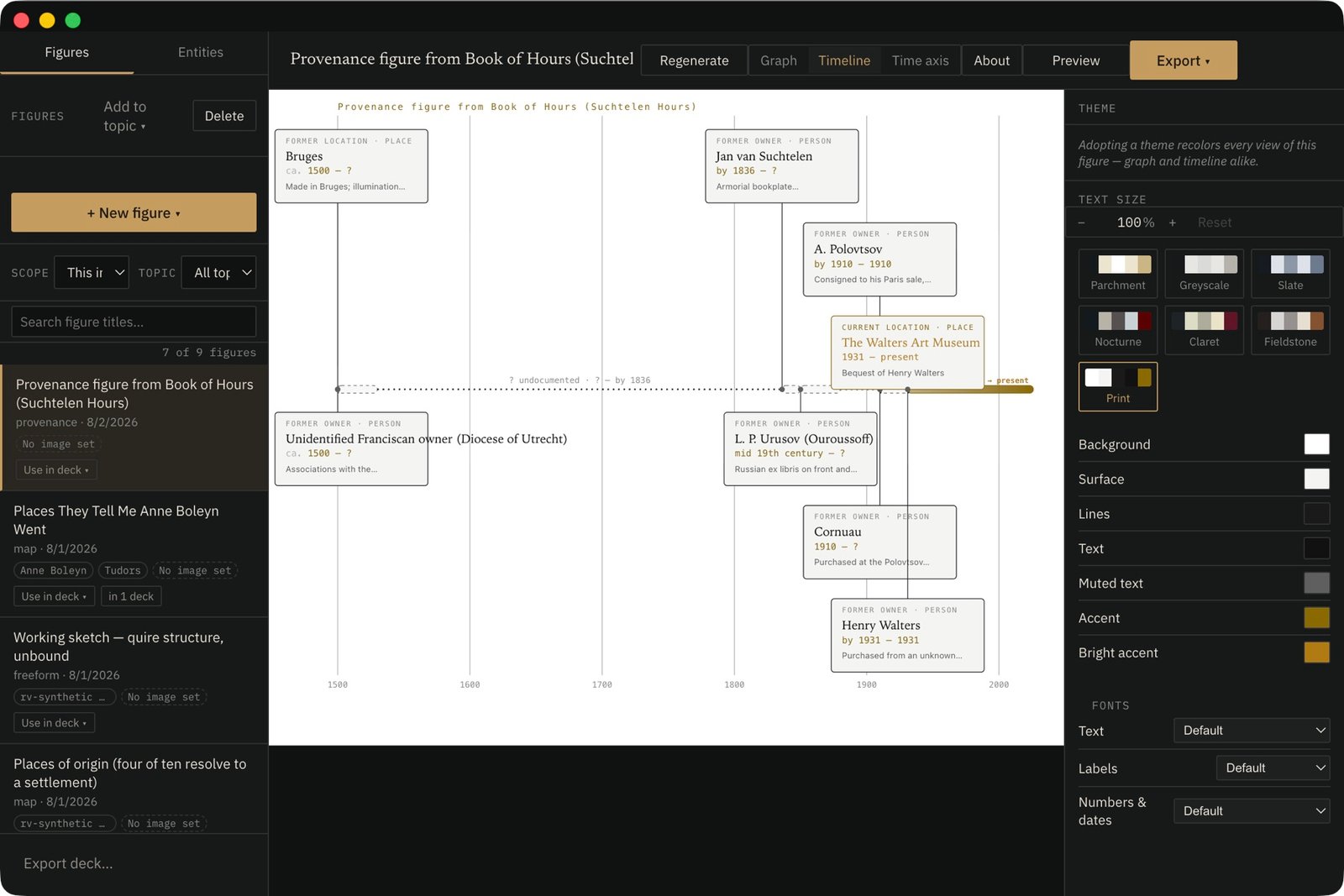
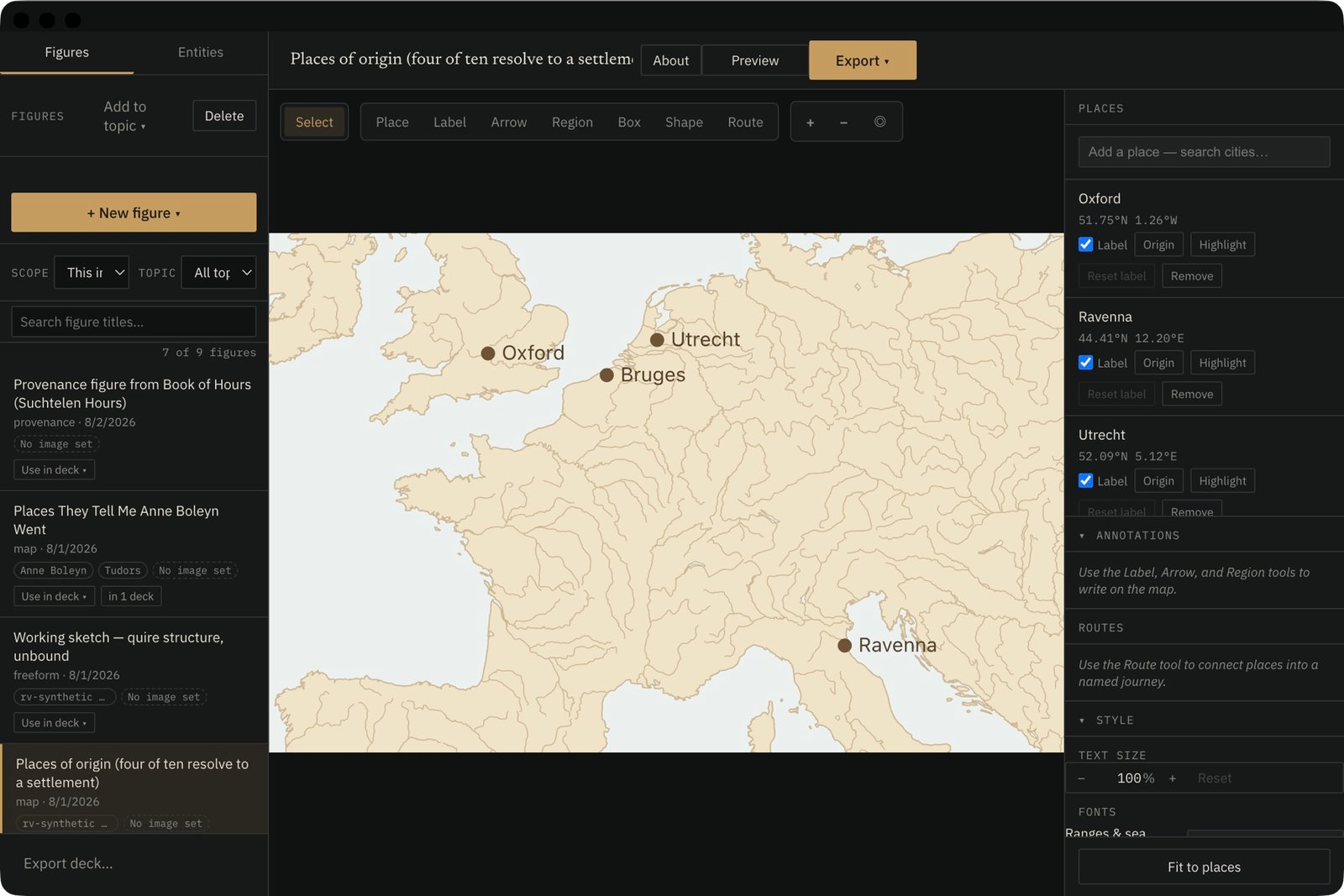
Draw the relationships you have recorded
Use recorded relationships to draw a stemma, provenance diagram, family tree, or timeline. If you revise the records, you can regenerate the figure.
Figures
Draw diagrams using the relationships recorded in your research.
Maps
Mark the places in your records and add routes to show movement.
Patterns
Make charts using the dates, places, and other details you have recorded.
Decks
Prepare PowerPoint slides with photographs and figures, plus captions, citations, and image credits.
Show a page and the details you discuss
Show a full page and enlarge the details you have marked. Give each detail a caption and include the page’s citation on the slide. Review the recorded reproduction permissions before exporting the presentation.